Guides
Office power and data layout
Power and data are invisible when they work, and the cause of trailing cables and extension leads when they do not.
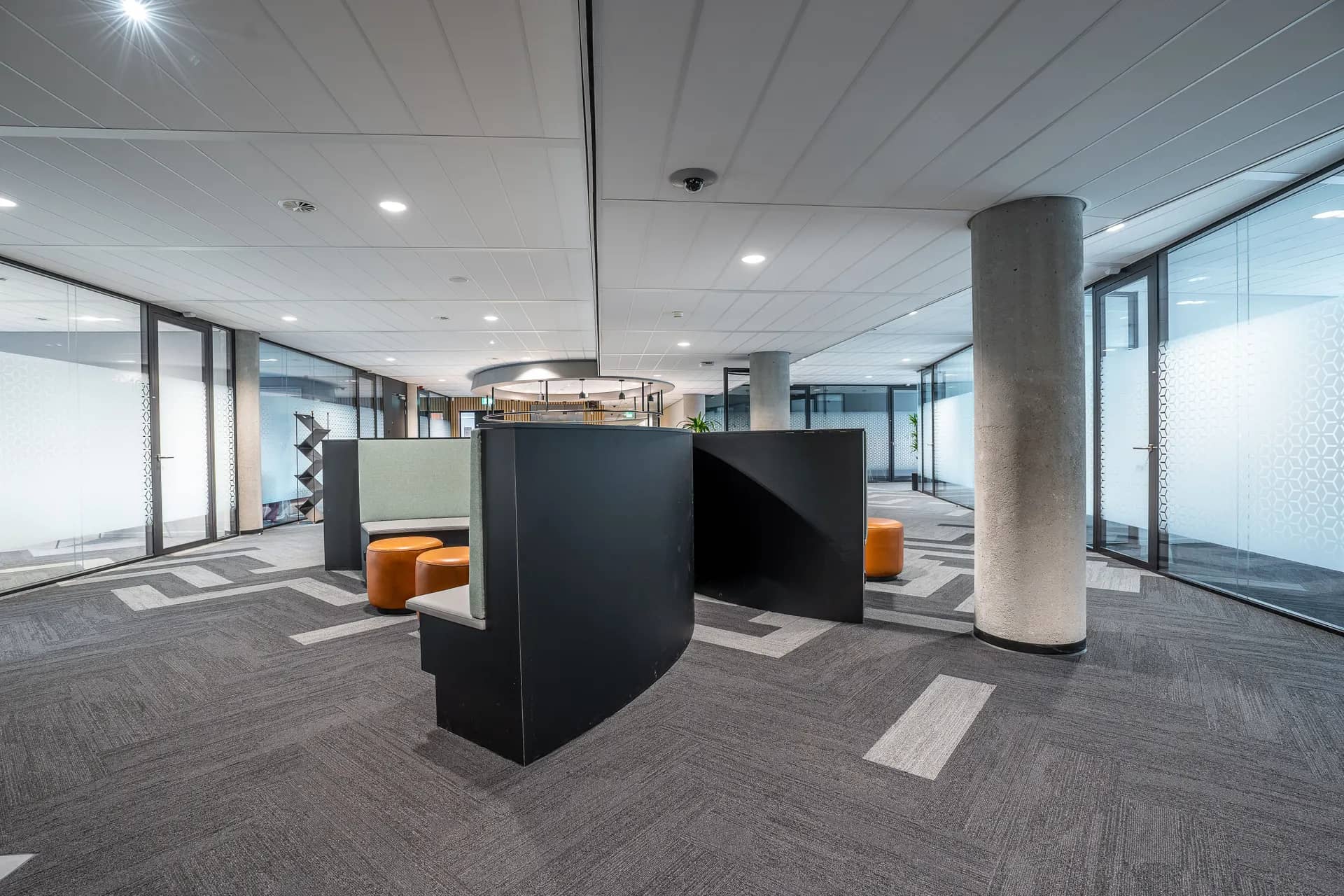
Every desk, screen, printer, access point and meeting room needs power and usually a data connection. The layout is drawn from the furniture plan: outlets where desks are, connections at meeting tables, points for printers and access points in the ceiling. Planning it on paper before the fit-out avoids adding outlets later through finished walls and floors.
Element pages explain one part of a larger renovation in detail: what is being chosen, what the installation involves, and where the cost and time usually sit.
The comms room is the heart of it. Network switches, the internet connection and sometimes servers live there, and they need power, cooling and secure access. Cables from every outlet run back to it, so its position on the floor plate affects cable lengths and routes.
What matters most on this page
Draw from the furniture plan
Outlets follow desks, tables and equipment positions.
A proper comms room
Power, cooling and access control for network equipment.
Spare capacity
Extra outlets and spare cables allow for growth without new work.
What the layout covers
Desk power and data
Through floor boxes, desk-mounted outlets or service poles, depending on the building.
Ceiling devices
Wireless access points, cameras and sensors need cabled points in the ceiling.
Cable containment
Trays and baskets keep cables organised and separated where needed.
Before the electrical design
Fix the furniture plan
Desks and tables set the outlet positions.
List equipment
Printers, screens, access points and any servers.
Choose the comms room
Ideally central, with cooling and controlled access.
Questions we are often asked
Does the comms room need its own cooling?
Network equipment produces heat continuously, so most comms rooms need dedicated cooling that runs out of office hours.
How much spare capacity is sensible?
It depends on expected growth. Some spare outlets and a spare cable route are inexpensive insurance.
Can Wi-Fi replace desk data?
For many users, yes, but access points still need cables, and some equipment works better wired.
Related guides
- Office washroom fit outThe next component to decide in the same room.
- Office flooringThe next component to decide in the same room.
- Gypsum vs grid ceilings for officesA choice that shapes how this element is built.
- Commercial fit out costHow this element sits in the overall budget.
Start from commercial fit-out, browse the guides, or see all renovation and fit-out services. We work on homes and commercial premises across Dubai.
Tell us about the property
Tell us which room, which element and what is being replaced. We will confirm the measurements and the sequence that follows.
Phone
+971 58 846 4007Good for talking a job through and arranging a visit.
WhatsApp
Send a messageUseful for photographs, floor plans and measurements.
Next step
Lay out power and data with the furniture
Send the furniture plan and your equipment list. We will draw the outlet layout and the routes back to the comms room.